Web Design Trends in 2026 That Actually Convert
Skip the trends that just look good. The 2026 web design trends that genuinely turn visitors into customers for Australian businesses — and the ones to ignore.
The short version
- Chase results, not looks. The best 2026 trends make sites faster, clearer and easier to act on — not just prettier.
- Speed, mobile-first design, and being readable by AI search are the trends with real payback this year.
- Trendy effects that slow the page or confuse the visitor cost you enquiries. If a trend doesn't help someone act, skip it.
- The timeless basics — clarity, trust and one clear next step — beat every passing style. Trends should serve them, not replace them.
Every year brings a fresh list of web design trends, and most of them are about how a site looks. But looks don’t pay the bills — enquiries and sales do. So the only trends worth your attention are the ones that make visitors more likely to act.
Here are the 2026 trends that genuinely convert, the ones to ignore, and the basics that outlast all of them.
Which web design trends actually matter in 2026?
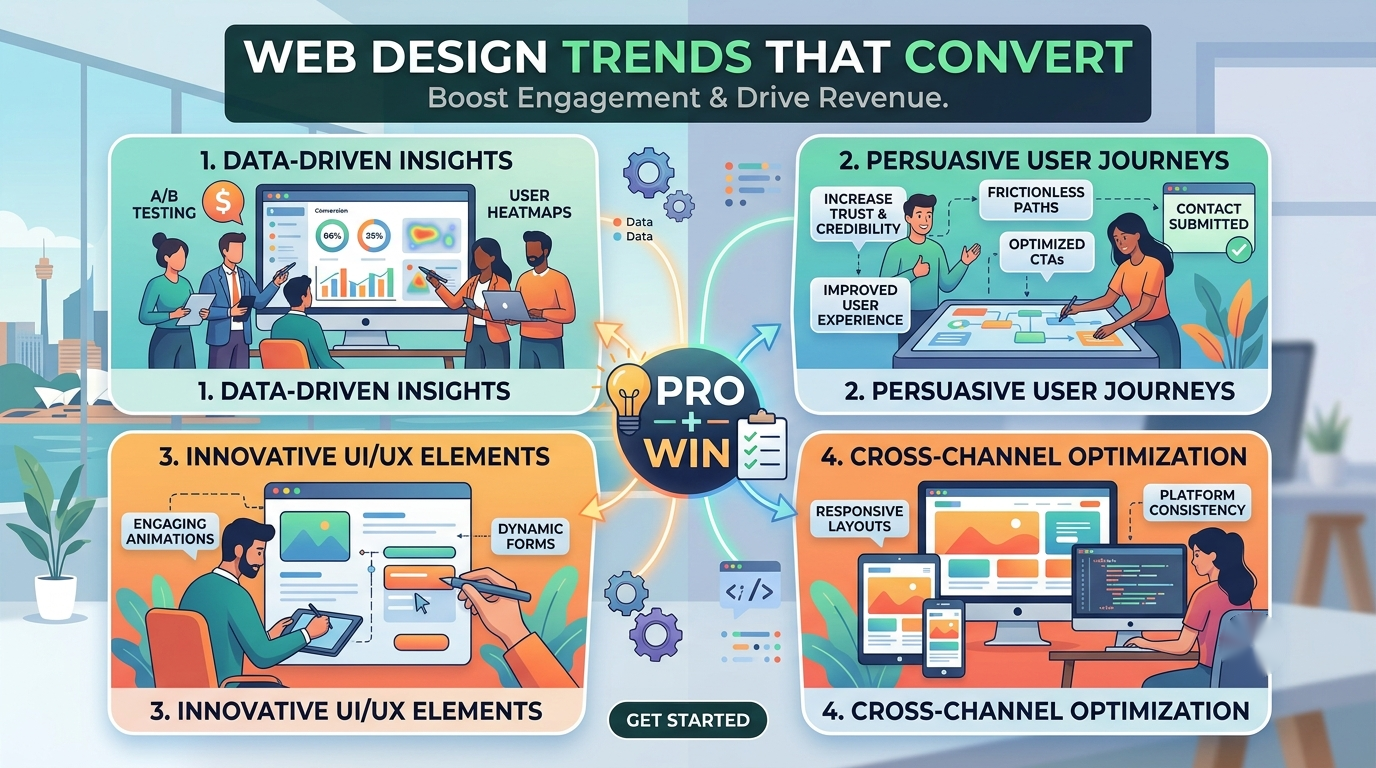
The trends worth following in 2026 are the ones that make sites faster, clearer, easier on a phone, and readable by AI search. Speed, mobile-first design and AI-readiness have real payback. Decorative trends — heavy animation, fashionable effects — mostly slow the page and distract, so they cost more than they return. Judge every trend by one test: does it help someone take the next step?
Trends worth following
1. Speed as a design decision
The biggest “trend” is also the least glamorous: fast pages. Visitors leave slow sites, and Google’s Core Web Vitals push slow pages down in search. In 2026, good design means designing for speed from the start — lean pages, optimised images, no bloat. Every second you shave wins back enquiries a slow site would lose.
2. Mobile-first, properly
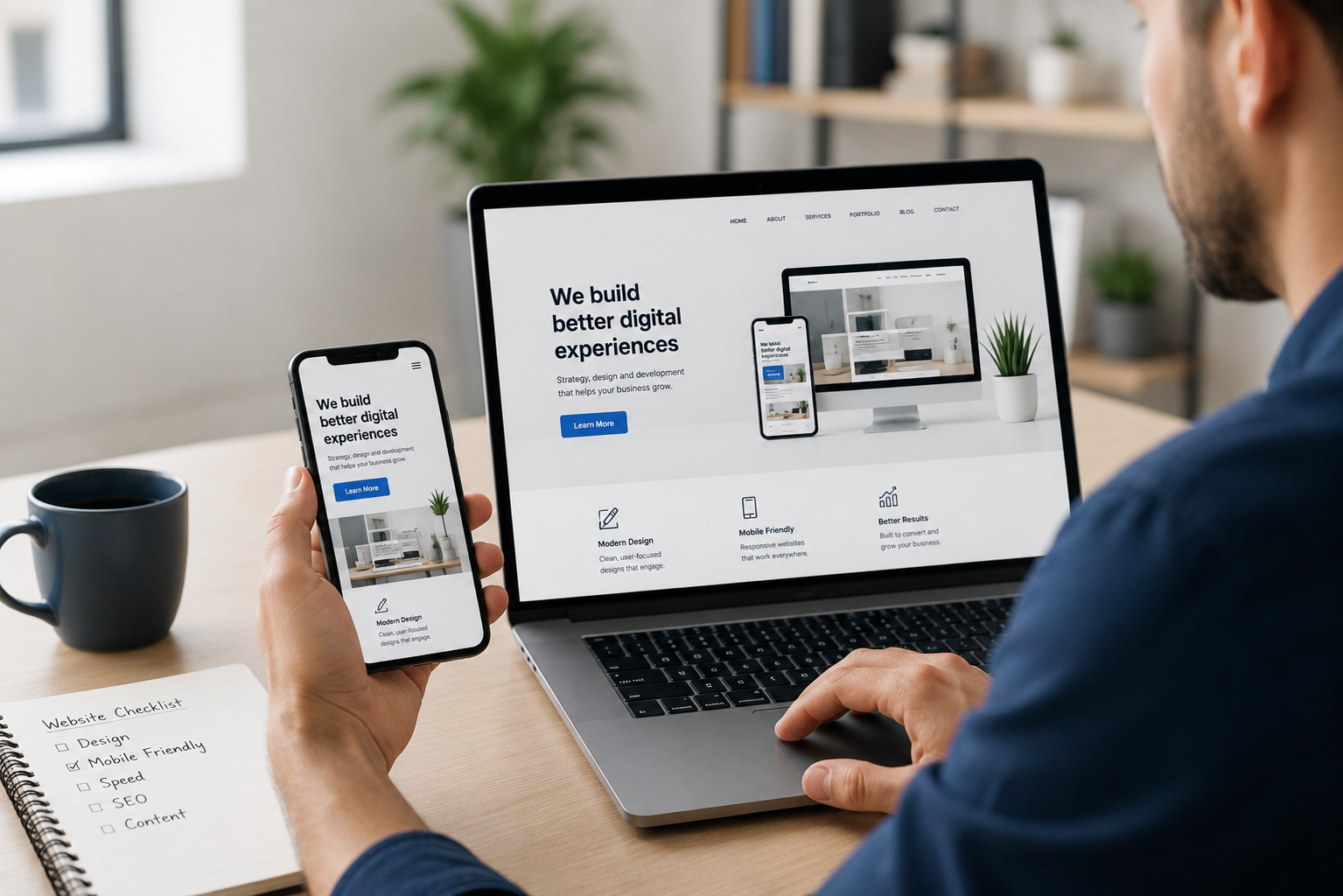
Most visitors are on a phone, so the mobile version isn’t the afterthought — it’s the main event. The trend that converts is designing for the phone first, then scaling up, so your biggest audience gets your best version. This is now non-negotiable, not optional.
3. Built to be found by AI
The real shift this year is people asking ChatGPT, Perplexity and Google’s AI for recommendations instead of scrolling links. Sites structured with clear answers and clean content get cited and recommended by AI; vague ones get skipped. Designing content to be extractable is the trend with the most upside in 2026, and it’s the core of our SEO approach.
4. Bold, clear typography
Large, confident type that’s easy to read is both on-trend and effective. It makes your message land fast and works beautifully on mobile. The win here is clarity, not decoration — which is why it lasts.
5. Accessibility as standard
Designing for everyone — good contrast, readable text, keyboard-friendly navigation — is rightly becoming the default. It widens your audience, reduces legal risk, and, as a bonus, the same clean structure helps search engines and AI. Doing right by users and doing well overlap here.
6. Purposeful motion
Subtle animation that guides the eye — a gentle reveal, a button that responds — adds polish and can nudge action. The key word is subtle. Motion that serves the visitor is a keeper; motion for its own sake is the next section’s problem.
Trends to ignore
Not every popular trend helps you. Skip these when they get in the way:
- Heavy animations and effects that slow the page or distract from the message
- Autoplay video that delays loading and eats mobile data
- Tiny, fashionable fonts that look cool and read terribly
- Clever, hidden navigation that makes people hunt for where to click
- Design that hides the point — art-directed pages where you can’t tell what the business does
The test is always the same: if it doesn’t help a visitor understand you or take the next step, it’s costing you, no matter how current it looks.
The basics that beat every trend
Underneath the trends, the fundamentals of a good website never change:
- Clear within seconds what you do and who it’s for
- Fast and easy on any device
- Trustworthy — real photos, reviews, honest copy
- One obvious next step on every page
Trends should serve these, not replace them. When we designed OleOle and AWESIZE, we used current, clean design — but every choice pointed at one thing: making it easy and safe to buy. The style followed the goal, not the other way around.
Should you redesign to keep up?
Not for a trend alone. Redesign when your site is genuinely holding you back — slow, hard to use on mobile, or no longer bringing enquiries — and here are the signs it’s time. Then adopt the trends that fix those problems, and leave the rest.
A redesign chasing a look is money spent on vanity. A redesign chasing results is money that comes back.
If you want to know which of these trends would actually move the needle for your site, ask us for a straight opinion. We’ll point you at the changes that convert and talk you out of the ones that don’t.
Frequently asked questions
What are the web design trends for 2026?
The 2026 trends worth following are the ones that improve results: faster pages, mobile-first design, being readable by AI search engines, clear and bold typography, accessibility, and subtle motion that guides rather than distracts. Trends that only change how a site looks, without helping visitors act, aren't worth chasing.
Do web design trends actually improve conversions?
Some do, some don't. Trends that make a site faster, clearer and easier to use on a phone lift conversions. Purely decorative trends — heavy animations, fashionable effects — often slow the page or confuse visitors and can hurt conversions. Judge every trend by whether it helps someone take the next step.
Should I redesign my website to follow the latest trends?
Not for the trend itself. Redesign when your site is slow, hard to use on mobile, or no longer converts — and then adopt the trends that fix those problems. Chasing a look alone rarely pays off; fixing results always does.
What web design trends should I avoid?
Avoid anything that slows the page or gets in the visitor's way: heavy animations, autoplay video that delays loading, tiny trendy fonts that are hard to read, and clever navigation that hides where to click. If a trend fights speed or clarity, it costs you enquiries.
Sources
Want a hand with this?
We do exactly this. Take a look at Web Design, or start with a free check.