
Why Website Security Updates Matter for Your Business
Skipping website updates is how small business sites get hacked. What security updates and backups actually protect you from — and what neglect really costs.
The short version
- Most small-business sites aren't hacked by a targeted attacker — they're caught by bots scanning for out-of-date software.
- Security updates patch known holes. Skip them and you leave a door unlocked that automated attacks are actively looking for.
- A recent backup is your safety net. If the worst happens, it's the difference between a quick restore and a rebuild.
- The cheapest time to deal with security is before anything goes wrong. A small ongoing effort beats an emergency any day.
Most small-business owners picture a hacker as a person deliberately targeting them. That’s rarely how it happens. The real threat is automated: bots that crawl the web all day, looking for sites running outdated software with known, unpatched holes. Your site doesn’t have to be interesting. It just has to be out of date.
That’s why security updates and backups matter — and why skipping them is one of the most expensive false economies a business can make.
Why do website security updates matter?
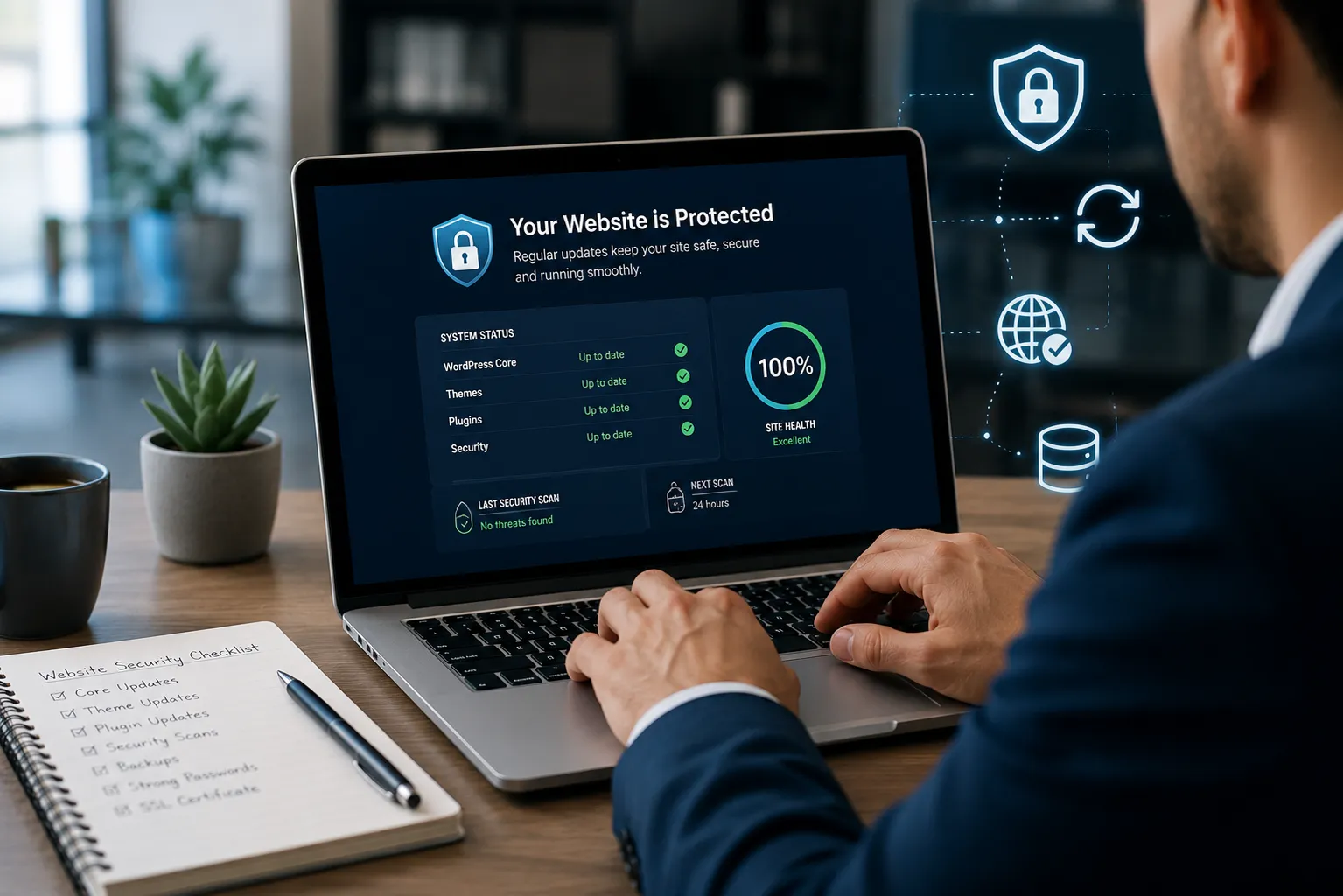
Security updates fix known holes in your website’s software. Attackers — mostly bots, not people — scan the web for sites still running old versions with those exact holes, then walk straight in. Applying updates promptly closes the door before they find it. Skip them and you leave a known weakness exposed to attacks that are entirely preventable.
It’s the digital version of leaving a door unlocked in a street where someone is trying every handle.
What security updates actually protect against
The software your site runs on — a platform like WordPress, plus its themes and plugins — is updated regularly. Many of those updates aren’t new features; they’re patches for security flaws that have been discovered.
Here’s the catch: when a flaw is patched, it becomes public. Now every bot knows the weakness and knows exactly which un-updated sites still have it. Staying current is what keeps you off that list. The Australian Cyber Security Centre puts keeping software updated near the top of its small-business advice for exactly this reason.
What happens if you don’t update
An out-of-date website is an easy mark, and the consequences are real:
- Hacked or defaced — your site altered, or replaced with someone else’s message
- Spam and malware — your pages stuffed with junk links or used to infect visitors
- Data theft — customer details or enquiries exposed
- Used to attack others — your site quietly turned into a launchpad, often without you noticing
- Flagged by Google — a hacked site gets marked as unsafe, showing scary warnings and tanking your rankings and reputation
We wrote a whole guide on what to do when your site is down or hacked — but the theme of it is simple: almost every emergency we’re called into was preventable with routine care.
Backups: your safety net
Updates reduce the chance of a disaster. Backups deal with it when one happens anyway — because no site is ever perfectly safe, and not every problem is a hack.
A bad update, a server failure, or a simple human mistake can all break a site. A recent, tested backup is the difference between “restored in an hour” and “rebuilt over a fortnight.” If your maintenance setup doesn’t include regular backups you can actually restore from, it’s missing its most important piece.
Why this is harder than “just click update”
People assume updates are trivial — hit the button, done. Usually they are. But occasionally an update clashes with something and breaks part of the site. That’s why updates should be done carefully: back up first, apply the update, then check the site still works.
That small ritual is exactly what gets skipped when it’s nobody’s job. The owner’s busy, the update notification is ignored for months, and the site drifts out of date until a bot finds it. This is the honest reason so many businesses hand it to a maintenance service — not because the button is hard, but because someone reliably doing it, safely, every time is the hard part.
The cheapest time to act is now
Security is one of those things where a small, steady effort beats a big emergency every time. Compare the two:
| Routine maintenance | Emergency after a hack | |
|---|---|---|
| Cost | Small, predictable | Large, unplanned |
| Downtime | None | Hours to weeks |
| Your data | Protected | At risk |
| Reputation | Intact | Damaged |
| Stress | Low | High |
The maths isn’t close. Prevention is cheaper than the cure in almost every case.
Keeping your site safe without the hassle
You have two honest options: do it yourself, carefully and consistently, or hand it to someone who will. If you go it alone, the essentials are: keep the platform, themes and plugins updated; take regular backups you can restore; use strong logins; and keep an eye out for anything odd.
If that sounds like one more thing you’ll mean to do and won’t, a care plan takes it off your plate entirely — updates, backups and monitoring handled, safely, so the door stays locked. It’s exactly what we do for clients like Castle Hill Speech & OT, so their site stays fast, secure and current without them lifting a finger.
Not sure how exposed your current site is? Ask us for a quick check — we’ll tell you honestly whether it’s up to date and protected, or an unlocked door waiting to be found.
Frequently asked questions
Why are website security updates important?
Security updates fix known vulnerabilities in your website's software. Attackers — mostly automated bots — scan the web for sites running outdated versions with those known holes. Applying updates promptly closes the door before they find it. Skipping them leaves your site exposed to attacks that are entirely preventable.
What happens if I don't update my website?
An out-of-date site becomes an easy target. It can be hacked, defaced, filled with spam, used to attack others, or have customer data stolen. Google may flag it as unsafe, which scares off visitors and hurts your rankings. Most of these outcomes are preventable with routine updates and backups.
How often should website security updates be done?
Regularly — for a WordPress site, checking for updates at least monthly is a sensible minimum, and critical security patches should be applied as soon as they're released. Because updates can occasionally break something, they're best done carefully with a backup in place, which is why many businesses hand this to a maintenance service.
Do I need backups if my website is secure?
Yes. No site is perfectly secure, and problems aren't only caused by hacks — a bad update, a server failure or human error can all break a site. A recent, tested backup means you can restore quickly instead of rebuilding, so it's an essential safety net even on a well-maintained site.
Sources
Want a hand with this?
We do exactly this. Take a look at Website Maintenance & Support, or start with a free check.